Hardware Bezels
Touch, mouse, and hardware are interchangeable — every knob, key, and button maps to the same on-screen behavior.
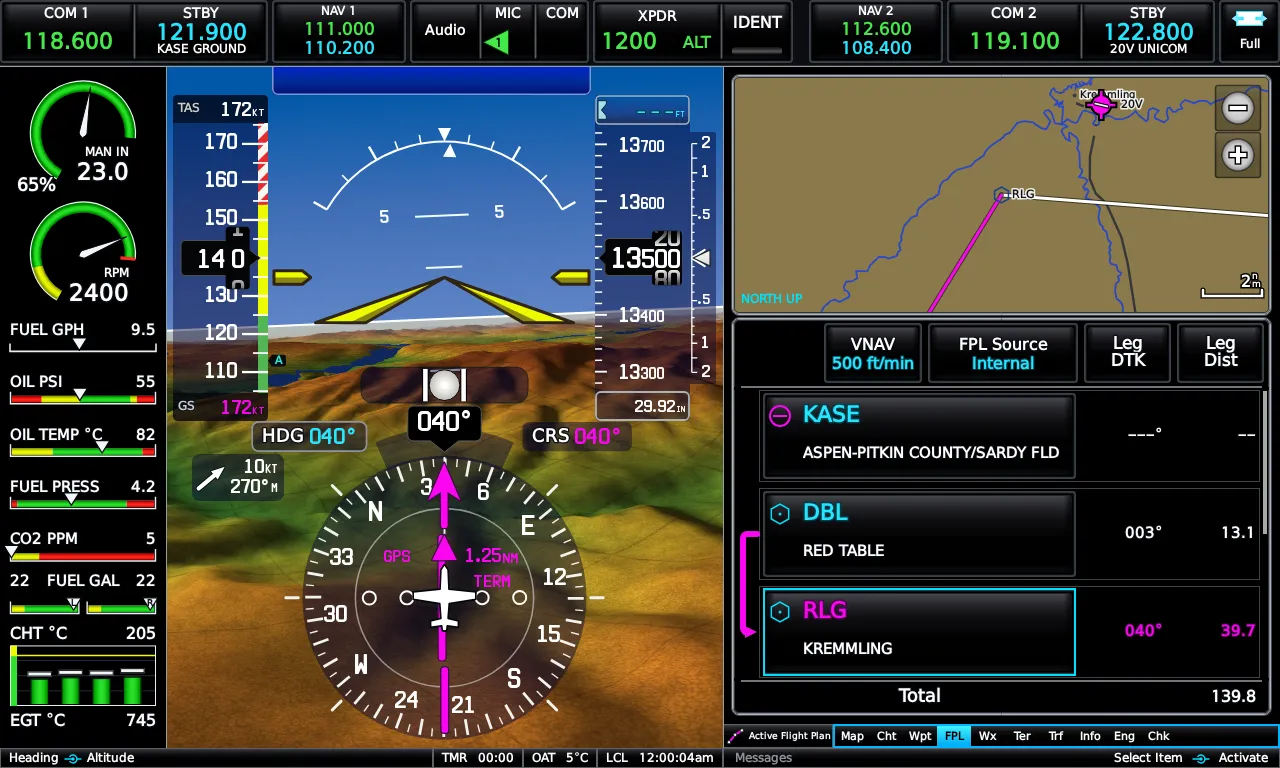
The on-screen bezel and knobs
Section titled “The on-screen bezel and knobs”By default the display draws the photoreal bezel, and its four hard keys — MENU, BACK, Direct-To, NRST — work by touch or mouse like everything else. The knobs behave as on the real unit: the small right knob zooms the map pages, steps tabs, edits values, and otherwise moves a cyan focus ring you can press to activate; the large right knob cycles pages.
The display is a fixed 1280×768 (5:3) instrument that scales like an image — any window size, any monitor, no reflow. Window position, size, and fullscreen state are remembered between sessions.
RealSimGear G3X Touch bezel
Section titled “RealSimGear G3X Touch bezel”The E3X reads the RealSimGear bezel’s USB-serial output directly — no
RSG plugin required — so a bezel press is indistinguishable from a tap and
arrives in the same order. Run the display in ?bezel=0&fit=fill mode for
the panel’s 1280×800 LCD: bezel artwork off, display stretched to the
glass (a 4% stretch you won’t see).
Mapping is a small JSON panel map in your data directory’s settings
folder (panel.json), pairing each line the panel sends with a key, knob,
or any on-screen touch target. An annotated example ships with the install,
and discovering a panel’s messages is built in: with an empty map, press
everything and the log names each unmapped message once. The mapper
understands long-presses (hold MENU/BACK like the real unit) and encoder
acceleration for fast knob spins.
The bezel is a supported input option, never a requirement — everything it does, touch does.
Yoke and joystick buttons (X-Plane)
Section titled “Yoke and joystick buttons (X-Plane)”The companion plugin exposes the E3X’s keys and knobs as ordinary X-Plane
commands (g3xtouch/input/…) — bind MENU, BACK, Direct-To, NRST, and the
knob clicks to your yoke or button box in X-Plane’s own joystick settings,
no panel map needed.
Touchscreens and panel PCs
Section titled “Touchscreens and panel PCs”Any touchscreen works — touch arrives as ordinary pointer input, scaled with the display, no calibration layer needed. Multi-monitor and dedicated panel-PC setups are fully supported: put the window where you want it and it stays there. Dedicated side-by-side PFD and MFD units are on the roadmap.
Emrelia E3X is an independent product of Emrelia LLC. It is not affiliated with, endorsed by, or sponsored by Garmin Ltd. or its affiliates. G3X Touch™ is a trademark of Garmin Ltd. For flight simulation use only — not for use in real-world navigation. Map imagery contains data © OpenStreetMap contributors (ODbL) and other sources — see data attributions. © 2026 Emrelia LLC.